GB WhatsApp Anti-Ban vs Official WhatsApp vs Other Mods
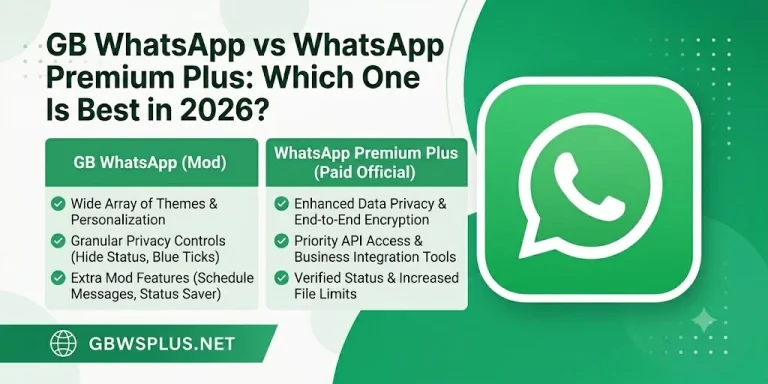
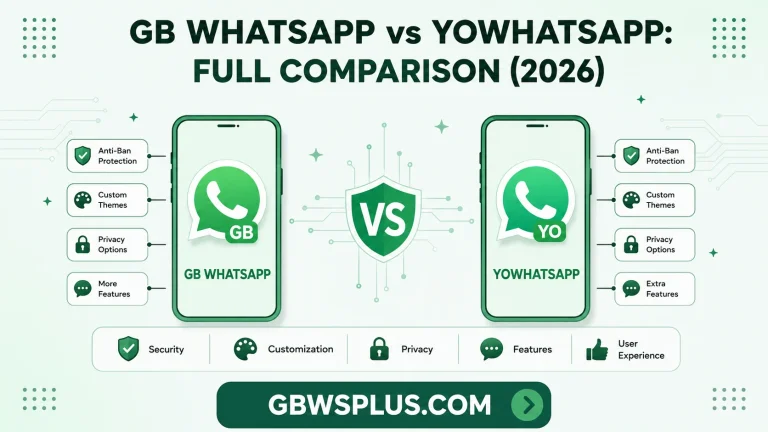
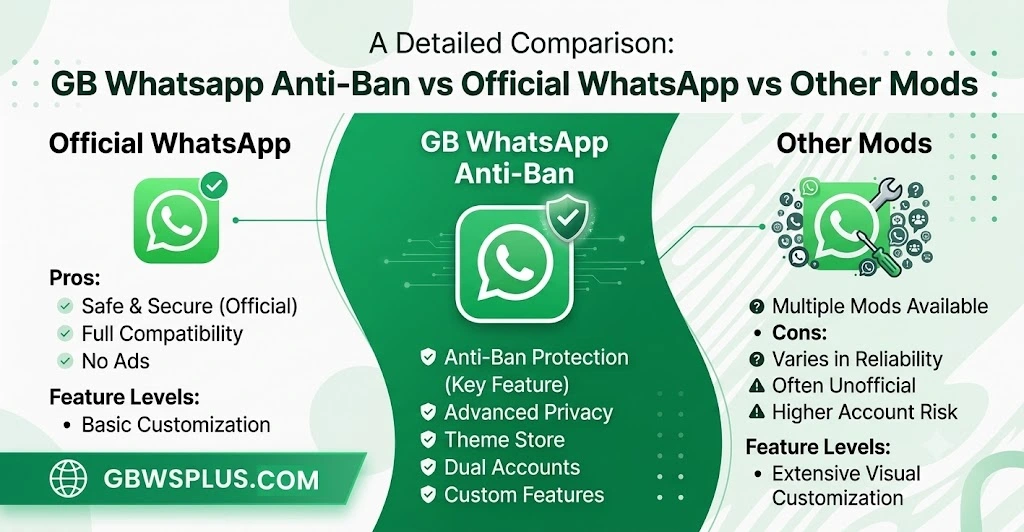
Comparing the anti-ban version against both the official app and other popular mods helps users understand exactly what they are choosing between. Each option has a different balance of features, safety, and long-term reliability. The table below breaks down these differences clearly.
| Feature | Official WhatsApp | GB WhatsApp Anti-Ban | Other GB Mods |
|---|---|---|---|
| Ban Risk | None | Reduced but not zero | High |
| Custom Themes | Not available | Available | Available |
| Privacy Controls | Limited | Extensive | Extensive |
| Security Updates | Regular, official | Delayed, unofficial | Often outdated |
| Source Verification | Google Play / App Store | Third-party APK | Third-party APK |
| Data Encryption | End-to-end, verified | Claimed, unverified | Claimed, unverified |
| Customer Support | Available via Meta | None | None |
This comparison shows that the anti-ban version sits in a middle position, offering more freedom than the official app while carrying more uncertainty than most users realize. Anyone choosing between these options should weigh long-term account security against short-term feature access.
How Detection and Ban Systems Actually Work
WhatsApp’s ban system does not rely on a single signal but instead checks several patterns at once, including device fingerprints, API call frequency, and unofficial package signatures. The anti-ban version tries to mimic the official app’s behavior so these patterns look less suspicious to WhatsApp’s servers. However, since WhatsApp constantly updates its detection algorithms, a method that works today may stop working after the next official update.
Most bans happen in two ways: a temporary ban, lasting anywhere from a few hours to several weeks, or a permanent ban, which removes the number from WhatsApp entirely. Anti-ban builds mainly target the temporary ban triggers since those are based on detectable usage patterns rather than manual reports. Manual reports from other users, on the other hand, cannot be prevented by any anti-ban technology, no matter how advanced.
Step-by-Step Installation Guide
Installing the anti-ban version correctly reduces the chances of errors, conflicts, or unnecessary security exposure. Users should always follow a clean installation process rather than installing over an existing WhatsApp app.
- Uninstall any previous version of GB WhatsApp or official WhatsApp from the device first
- Enable Unknown Sources in the phone’s security settings to allow APK installation
- Download the APK file only from a verified and updated source
- Open the file and follow the on-screen installation prompts
- Verify your number using the standard SMS or call verification method
- Restore chat backup if you saved one from a previous WhatsApp installation
Skipping any of these steps, especially the backup restoration, often leads to lost chat history or failed verification. Taking five extra minutes during installation can save hours of frustration later.
Required Permissions and What They Mean
Like the official app, GB WhatsApp’s anti-ban version asks for several device permissions during setup. Understanding what each permission does helps users decide how comfortable they are with granting access.
| Permission | Purpose |
|---|---|
| Contacts | Syncs phone contacts to show them inside the app |
| Storage | Allows saving and sending photos, videos, and documents |
| Microphone | Needed for voice messages and voice calls |
| Camera | Required for taking photos or videos directly in chat |
| Phone | Used for verifying the number and handling voice calls |
| Notifications | Allows message alerts to appear on the lock screen |
None of these permissions differ much from what official WhatsApp requests, but the concern lies in who controls the app code processing that data. Since the anti-ban version is built by third-party developers, users are trusting an unverified party with the same access level as Meta’s official servers.
Common Problems Users Face
Even with anti-ban improvements, users still report a handful of recurring issues with this version. Knowing these in advance helps set realistic expectations before installation.
- Verification loops where the app repeatedly asks for OTP without completing setup
- Backup restoration failures when switching from official WhatsApp to the mod
- Delayed feature updates compared to what official WhatsApp rolls out
- Battery drain caused by background processes related to anti-detection logic
- App crashes after major Android system updates
Most of these problems get fixed within a few update cycles, but users should expect occasional instability since this is unofficial software. Keeping the app updated through GBWSPLUS.COM and maintaining regular backups remains the best way to minimize disruption.
Frequently Asked Questions
Can WhatsApp detect the anti-ban version? Yes, detection is still possible because WhatsApp continuously updates its systems, and no mod app can claim complete invisibility.
Will I lose my chats if I switch from official WhatsApp? Not if you back up your chats beforehand and restore them properly during the GB WhatsApp installation process.
Is it legal to use GB WhatsApp? Using modified apps does not break local laws in most regions, but it does violate WhatsApp’s own terms of service, which can lead to account suspension.
Does the anti-ban version cost money? The core app is free, though some sources may falsely claim premium features require payment, which is not an official practice.
Can I use GB WhatsApp and official WhatsApp on the same number? No, a single phone number can only be actively verified on one WhatsApp-based app at a time.